
Why Your AI Traffic Shows Up as Direct in Google Analytics
Published
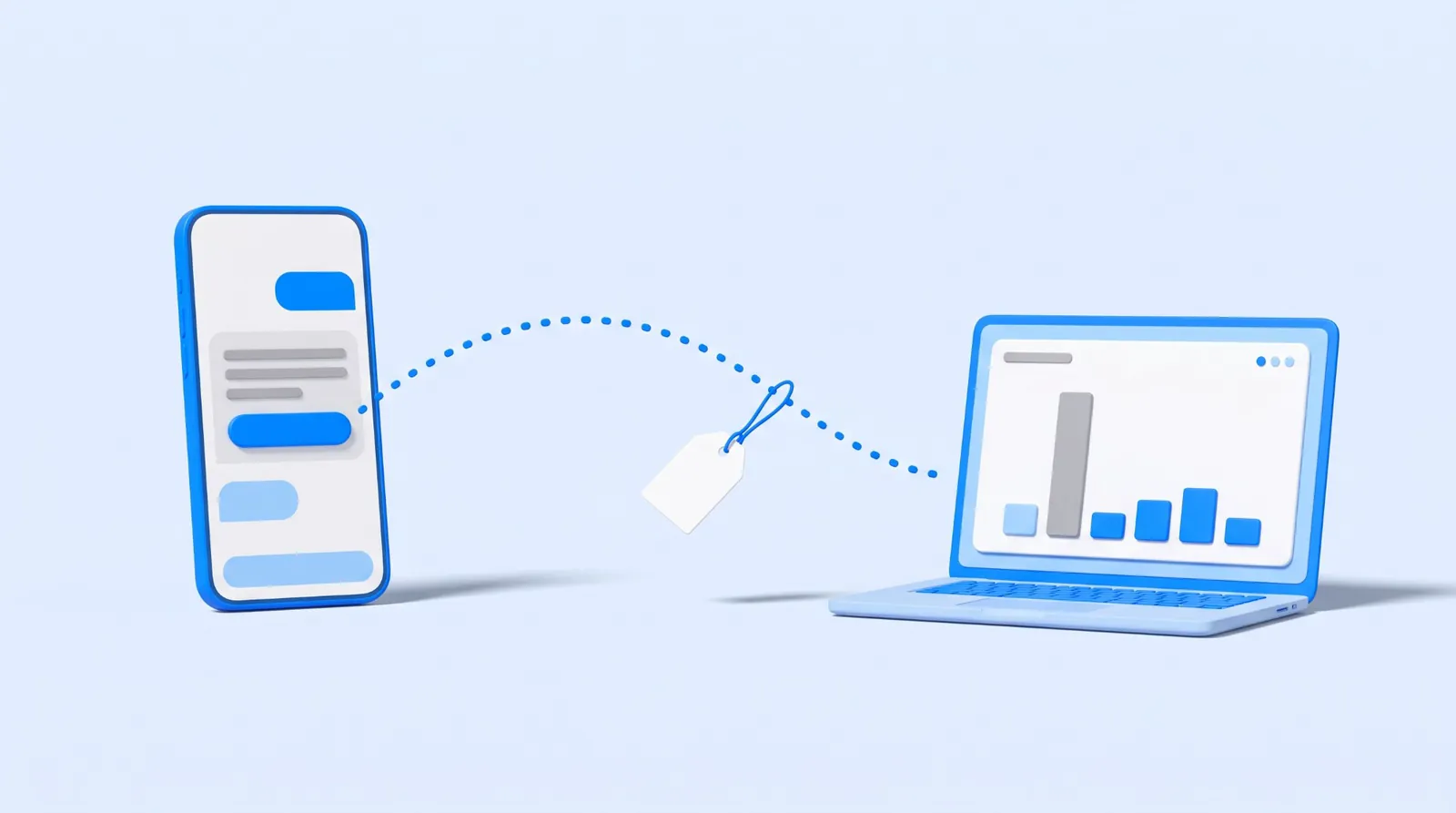
Some of it does show, and some of it never will. Google Analytics added an AI Assistant channel on May 13, 2026, which catches visits that arrive with a recognized AI referrer. A link copied out of an answer carries no referrer, so it lands in Direct. An empty AI Assistant row is not proof of nothing.
That gap is mechanical, it is documented by Google, and it is worth ten minutes of your time before you decide that AI is sending you nobody. Below is what your reports can tell you, where to click, and the line past which the numbers stop being evidence.
Google Analytics has an AI channel now
Most advice on this subject was written before the change and still tells you to build the channel yourself. You may not have to. In the release notes for May 13, 2026, Google wrote: "Google Analytics now provides a dedicated way to measure and analyze traffic originating from popular AI assistants. You can now identify how users are discovering your site through chatbots like ChatGPT, Gemini, and Claude via a new AI Assistant channel in your Default Channel Group reports" (Google Analytics Help).
The definition Google publishes for that channel is short: "AI Assistant is the channel by which users arrive at your site from sources like ChatGPT, Gemini, Deepseek, Copilot, or Grok." The rule underneath it is the part that matters. The medium "is set to 'ai-assistant' and the campaign is set to '(ai-assistant)' if the referrer matches a list of AI Assistants" (Google Analytics Help).
Two things follow from that sentence. The first is that the classification is automatic and there is nothing for you to configure. The second is the catch that runs through the rest of this post: it works off the referrer, and only for assistants on a list Google does not publish on either page. Notice that the two Google pages name different examples. The release note says ChatGPT, Gemini, and Claude. The channel definition says ChatGPT, Gemini, Deepseek, Copilot, and Grok. Neither is presented as the whole list, so read the AI Assistant row as a floor rather than a census.
The referrer is the whole mechanism
Here is the definition that explains the Direct channel, in Google's words: "Direct is the channel by which users arrive at your site/app via a saved link or by entering your URL." The rule is stricter than the description sounds. A session is Direct when "Source exactly matches '(direct)' AND Medium is one of ('(not set)', '(none)')" (Google Analytics Help).
Read that as a description of missing information, because that is what it is. Direct is not a place people come from. It is the bucket for visits that arrived carrying no usable label. Someone reads your name in an answer, types your domain into a browser, and lands on your homepage with nothing attached. Someone copies the URL out of a chat and pastes it. Someone reads the answer on a phone, and opens your site later on a laptop. In all three cases your analytics received no referrer, so there is nothing for any channel rule to read.
No setting recovers that. It is not a tagging mistake on your side, and no tool sells a fix for it, because the information was never sent in the first place.
Three other places the same visit can land
Direct is the famous one. It is not the only row worth reading.
Referral. If the assistant that sent the click is not on Google's recognized list, the visit still arrives with a referrer, and the Referral rule takes it: "Medium is one of ('referral', 'app', or 'link')". Google defines the channel as arrivals "via non-ad links on other sites/apps". So an AI tool Google has not classified looks exactly like a blog linking to you.
Organic Search. A click from an AI Overview or from AI Mode starts inside Google Search, so it arrives the way your other Google clicks arrive. It will not appear under AI Assistant, and looking for it there will tell you nothing. Search Console is where that traffic surfaces, which is the next section.
Unassigned. Google says this "is the value Analytics uses when there are no other channel rules that match the event data". Sessions that arrive carrying a tracking parameter but no medium the rules recognize have no other row to fall into. It is worth a glance in any week where the number is not zero, because Unassigned is the one bucket that means "we had data and could not place it" rather than "we had none".
How to look, in about ten minutes
- Open Reports, then Acquisition, then Traffic acquisition. The first column is your channel grouping. Read four rows in order: AI Assistant, Referral, Direct, Unassigned. Set the date range wide, because a local business with real AI discovery may still be counting in single digits.
- Change the first column to Session source / medium. This is the honest view, and it is the one to trust over the channel name. You are looking for hostnames: chatgpt.com, gemini.google.com, perplexity.ai, copilot.microsoft.com, and anything else that looks like an assistant. What shows up here is what actually arrived.
- Make it permanent with a custom channel group, if you want one. Google describes a channel group as "a set of channels, which are rule-based categories of your website's traffic sources", and states that "custom channel groups can be applied to your reports retroactively" (Google Analytics Help). That retroactivity is the reason to bother: one rule matching the sources above lets you read months you already collected. A standard property allows two custom groups alongside the default, with up to 50 channels in each.
- Write down what you find, with the date and the window. One week of a number this small is an anecdote. Four of them in a row is a trend, and a trend is the only version of this that should change a decision.
Google moves labels between releases, so if a menu name here does not match your screen, search the dimension name in the report's own search box rather than hunting the menu.
What Search Console shows that Analytics does not
The Google half of this question is answered in a different product, and Google changed that one too.
Sites named in AI features are already inside your existing numbers. Google Search Central states it plainly: "Sites appearing in AI features (such as AI Overviews and AI Mode) are included in the overall search traffic in Search Console", and "They're reported on in the Performance report, within the 'Web' search type" (Google Search Central).
There is also now a dedicated view. Google's documentation for the generative AI performance report says it "shows data about how your site performs in generative AI features on Google Search", and that it "includes impressions for the following generative AI capabilities on Google Search: AI Overviews" and AI Mode. On availability: "As of August 31, 2026, we've rolled out these insights to all websites worldwide" (Search Console Help). Google notes that Search Labs experiments are excluded, "as these experiments are still in active development".
Impressions in AI features are a genuinely new thing to be able to see, and they answer a narrower question than owners think. An impression means links to your site were shown. It does not tell you what the answer said about you.
Clicks are not mentions
This is the limit that matters most for a local business, and no analytics setup solves it.
Your reports count visits. An assistant can name your business, give your hours, quote a price, and send nobody to your website at all, because the customer got what they needed in the answer. That conversation produced no session, no referrer, and no row anywhere in your reports. It may still have produced a phone call.
An analysis published on September 20, 2026 by Lawrence Hitches of StudioHawk, drawn from 21 months of Google Analytics data across 100 Australian ecommerce brands, makes the same point from the commercial end: it treats the AI referral count as a floor rather than a ceiling, because people who see a citation often arrive later by typing the brand name. That is ecommerce, in Australia, over a window that closed before the AI Assistant channel existed. The mechanic travels even where the numbers do not.
So the question "how much traffic am I getting from AI" has a partial answer in Analytics. The question "what do the assistants say about my business" is not in Analytics at all, and asking the assistants is the only way to find out. Our walkthrough on how to check what ChatGPT says about your business is the free version of that check.
Our own numbers, and what we will not claim
We run this check on ourselves every week, so here is a real example, including the part that is unflattering.
In the seven days ending August 16, 2026, this website recorded 51 sessions from 33 users. Of those, 49 sessions were Direct, 1 was Organic Search, and 1 was Unassigned. In the seven days ending September 20, 2026: 27 sessions, 24 of them Direct and 3 Referral.
Ninety-six percent Direct, in the week a site barely anyone knows about. Now the honest reading, which is what our own measurement recorded at the time: those visits were consistent with known and internal traffic rather than new discovery. Our site was young, we were working on it daily, and people we had told about it were looking.
We are not going to tell you those Direct sessions were AI discovery. That is the whole lesson. Direct is where attribution stops, and it stops in both directions: it can hide real AI visits, and it can look impressive for reasons that have nothing to do with customers. Anyone showing you a Direct number as proof of AI traffic is guessing, and so would we be.
What to do with a report that shows nothing
If your AI Assistant row is empty and your Direct row is large, you have learned one thing: your analytics cannot see what is happening. That is a measurement result, not a business result, and the two sensible responses are small.
Look at the source side rather than the channel name, using step 2 above, and keep a dated record of it. Then measure the thing analytics does not cover, by asking the assistants about your business and writing down what they say. If the answers are wrong or missing, the fix is upstream of the assistant, in the sources it reads, which our answer on why ChatGPT may not know your business walks through.
How RevivedLocal fits
We watch both halves, because neither one is enough on its own.
The AI Visibility Monitor measures what the assistants say about your business, captured and quoted word for word with the assistant named and the date attached, including the runs where you are not mentioned. It also scores how much of your own website a machine can read, check by check, and reviews your Google Business Profile. One honest note on scope: we query four assistants: Claude, ChatGPT, Gemini and Perplexity. Five dollars runs it once, with a second run included 30 days later, and it is $99 a month per location to keep it running.
The click side stays in Google's own products, where it belongs. If we built or host your website, the $50 a month covers hosting and a monthly Google Analytics report, and the channel rows above are exactly what we read for you in it. If you want the fixing done as well as the measuring, the SEO Crew is $399 a month with the Monitor included, working on your existing site with a person approving every change before it goes live.
We are in Orangevale and work with businesses across the Sacramento region in person.
Common questions
Why does my ChatGPT traffic show as Direct in Google Analytics?
Because nothing was sent with the visit. Google defines Direct as arriving via a saved link or by entering your URL, and the rule requires a source of (direct) with no medium. A URL copied out of an answer and pasted into a browser carries no referrer, so there is nothing for any channel rule to read.
Does Google Analytics have an AI channel now?
Yes. On May 13, 2026 Google added an AI Assistant channel to the default channel group. It sets the medium to ai-assistant when the referrer matches a list of AI assistants, and it needs no setup from you. Google's pages name ChatGPT, Gemini, Claude, Deepseek, Copilot and Grok as examples without publishing the full list.
How do I see traffic from ChatGPT in Google Analytics?
Open Reports, then Acquisition, then Traffic acquisition, and change the first column to Session source / medium. Look for hostnames such as chatgpt.com, gemini.google.com and perplexity.ai. The channel view is a summary. The source view is what actually arrived.
My AI Assistant row is zero. Does that mean no one is finding me through AI?
No. It means no visits arrived with a recognized AI referrer. Visits with no referrer are filed as Direct, assistants outside Google's list land in Referral, and a person who read about you and called instead of clicking leaves no session at all.
Where do AI Overviews clicks show up?
Inside Google Search reporting, not in an AI channel. Google states that sites appearing in AI features are included in the overall search traffic in Search Console and reported within the Web search type. Search Console's generative AI performance report adds impressions for AI Overviews and AI Mode, rolled out to all websites as of August 31, 2026.
Should I build a custom channel group for AI traffic?
It is worth it if you want one row you can check each month, or if you want to read months you already collected. Google documents custom channel groups as applying to your reports retroactively, with two available on a standard property and up to 50 channels in each.